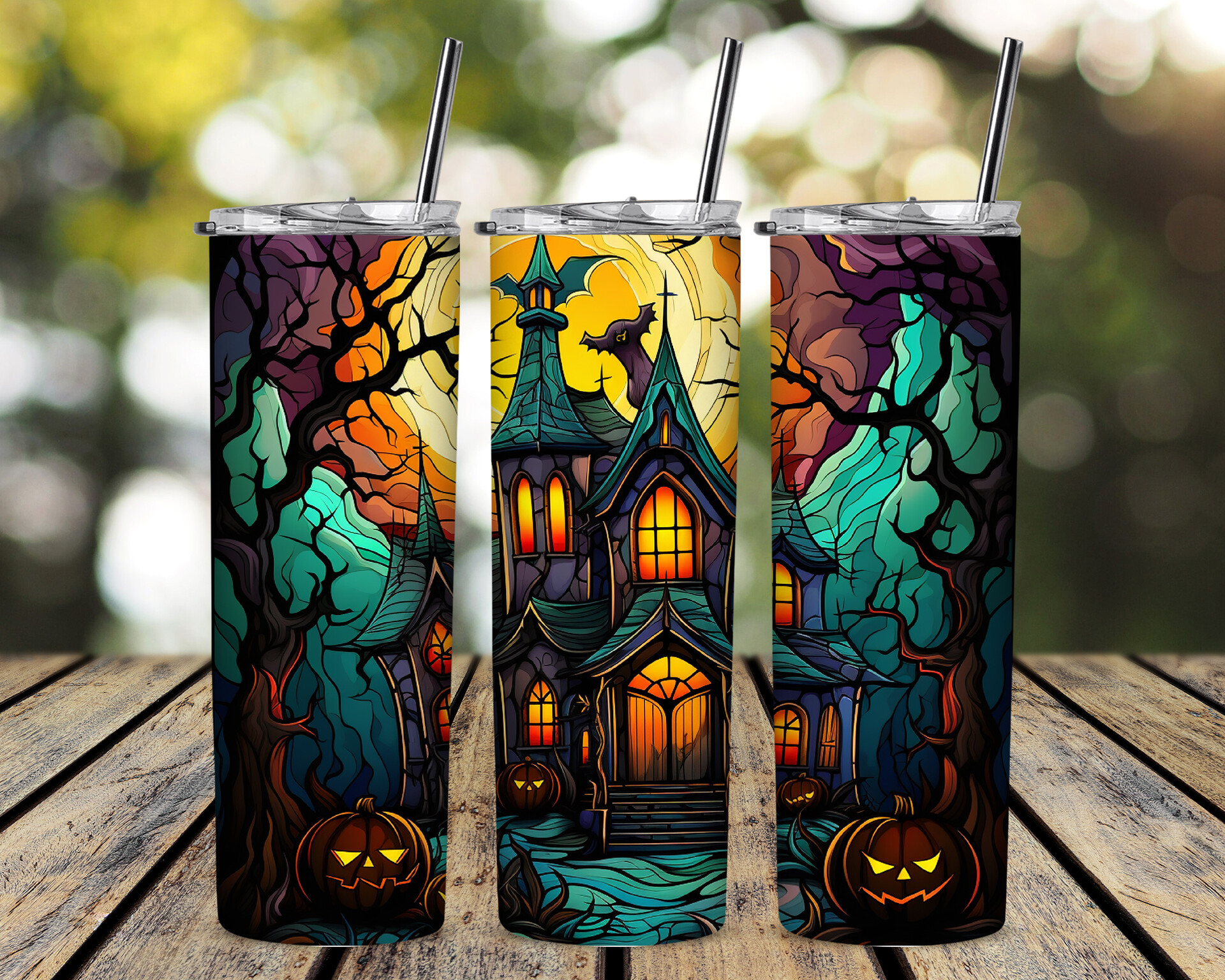
Mockup
Start with a clear and attention-grabbing title or header. Use a larger font size or bold styling to make it stand out.
Introduction:
Provide a brief introduction that summarizes the main purpose or key features of whatever you're describing. This can be a sentence or two.
Visual Elements:
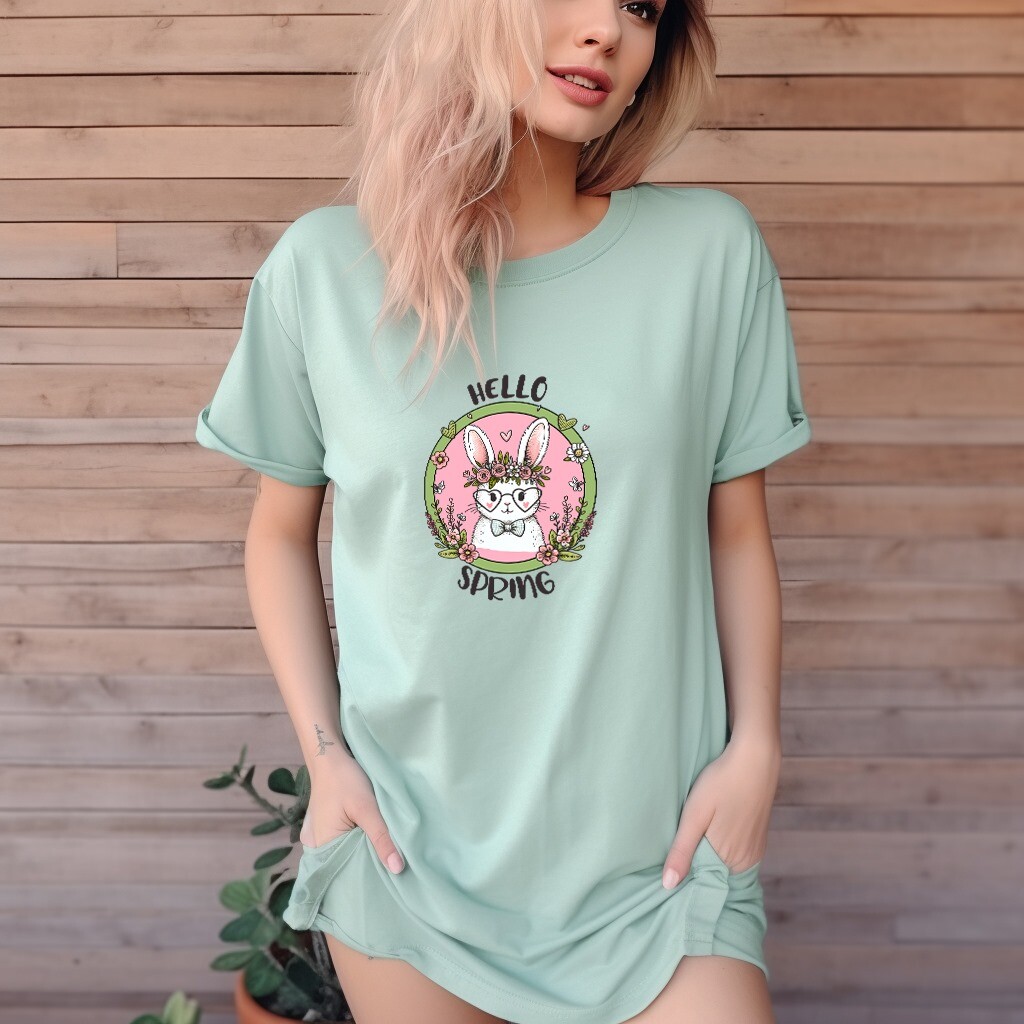
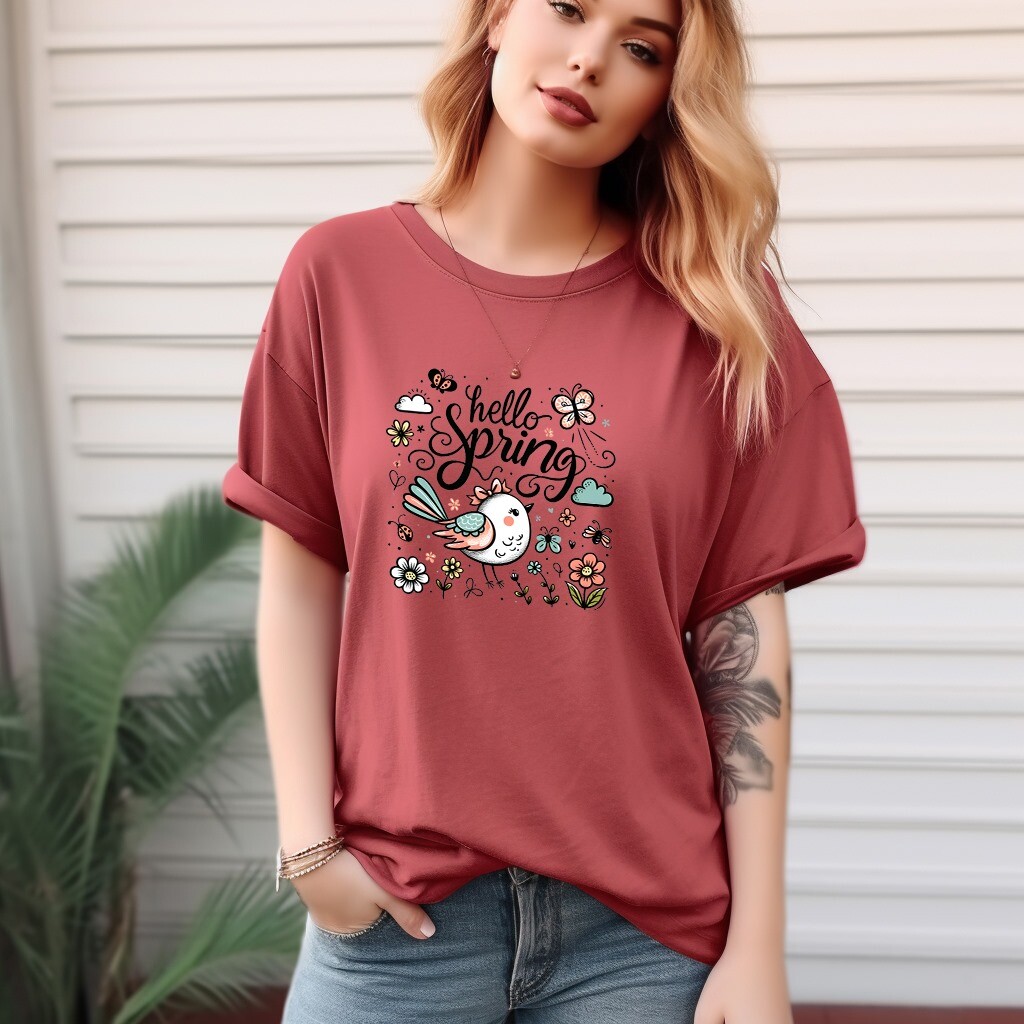
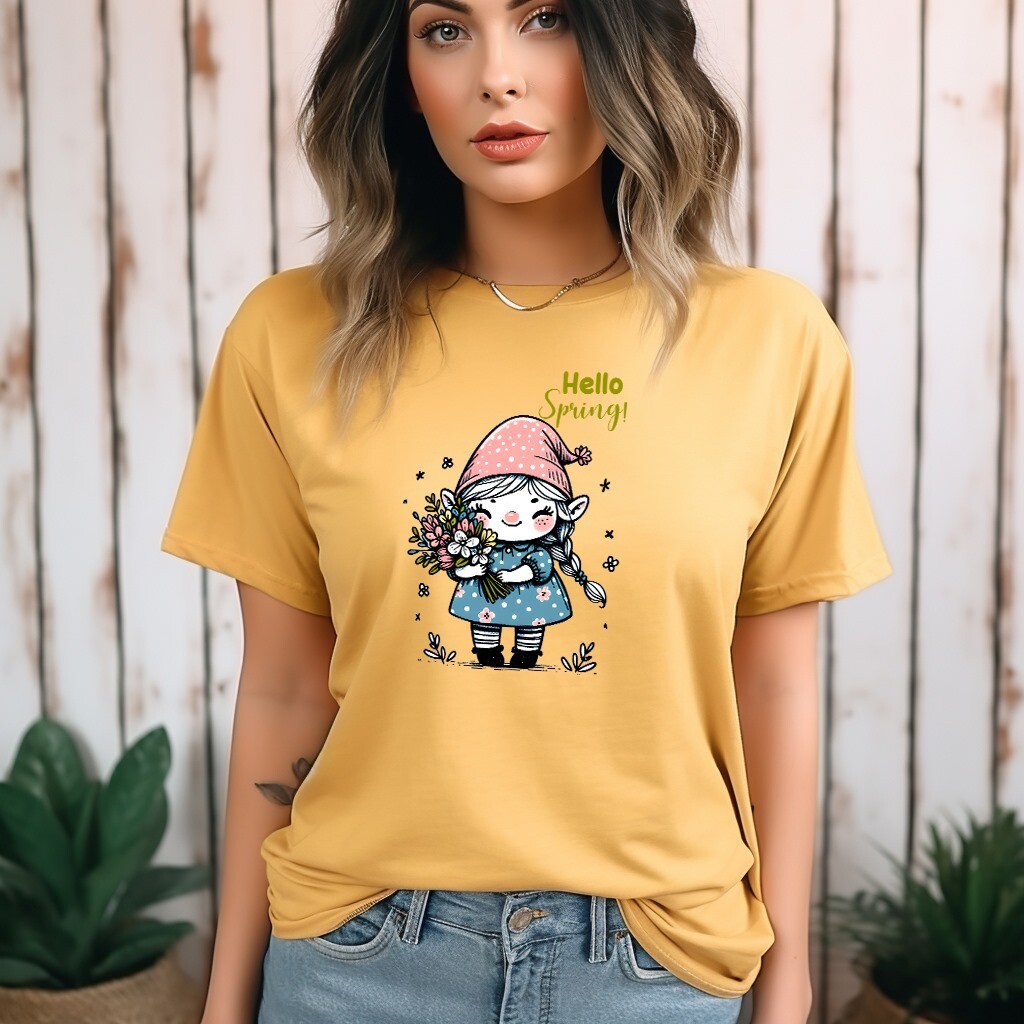
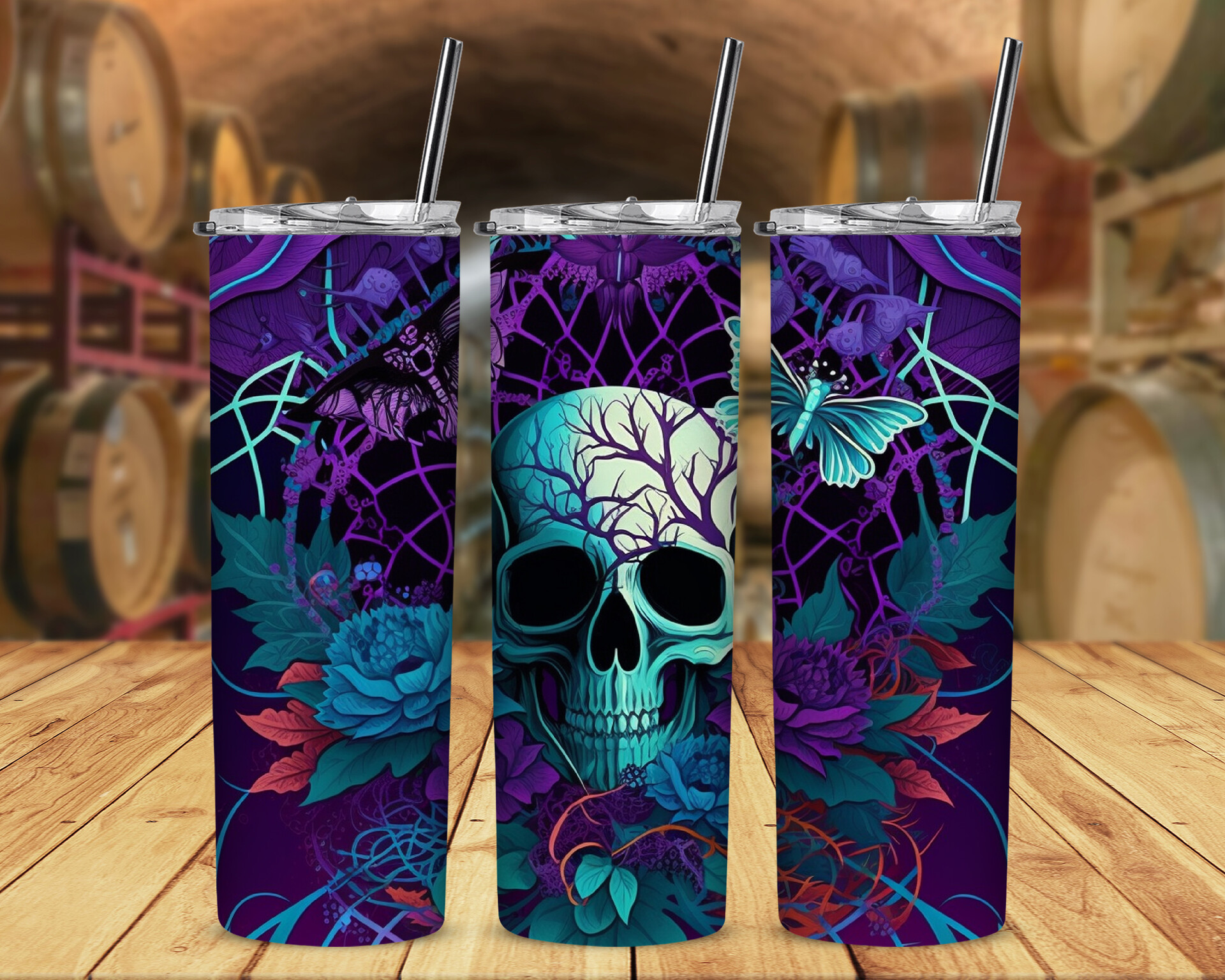
Incorporate relevant images or icons that represent the subject matter. For example, if it's a product, include high-quality images of the product from different angles.
Elaborate on the key features, benefits, or unique selling points. Use concise and compelling language. Consider using bullet points for easy readability.
Use Case Scenarios:
If applicable, include scenarios or use cases where the described item would be particularly useful. This helps users visualize how they might interact with or benefit from it
If available, include positive user testimonials or reviews. This adds credibility and helps build trust.
Call-to-Action (CTA):
End with a clear call-to-action. Depending on the context, this could be a button to learn more, sign up, buy now, or any other relevant action.
Consistent Branding:
Ensure that the mockup design follows your brand's color scheme, typography, and overall design guidelines. Consistency is key for brand recognition.
Whitespace and Readability:
Pay attention to the layout. Make sure there's enough whitespace to avoid visual clutter, and the text is easily readable. Use headings and subheadings for hierarchy.
Responsive Design (if applicable):
If the description is for a website or app, consider creating a responsive design to show how the layout adapts to different screen sizes.
Footer:
Include any necessary disclaimers, copyright information, or additional links in the footer.
Remember that the specific elements and design choices will depend on the context and purpose of your description. Adjust these guidelines to fit the overall aesthetic and branding of your project.